
How to Remove e*thirteen Cranks (2014-2017)
Before you begin, identify which extraction system your crankset uses. There are three primary types:
- Carbon Cranks: Use a silver (aluminum) or black (carbon) fixing bolt and require the e*thirteen proprietary removal tool.
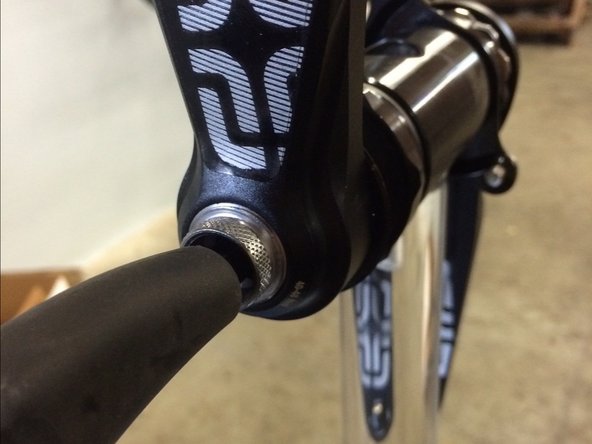
- Self-Extracting Cranks: Feature a cap with six small holes over the crank bolt.
- Older Aluminum TRSr Cranks: Use a black bolt and require a standard Isis/Octalink removal tool.
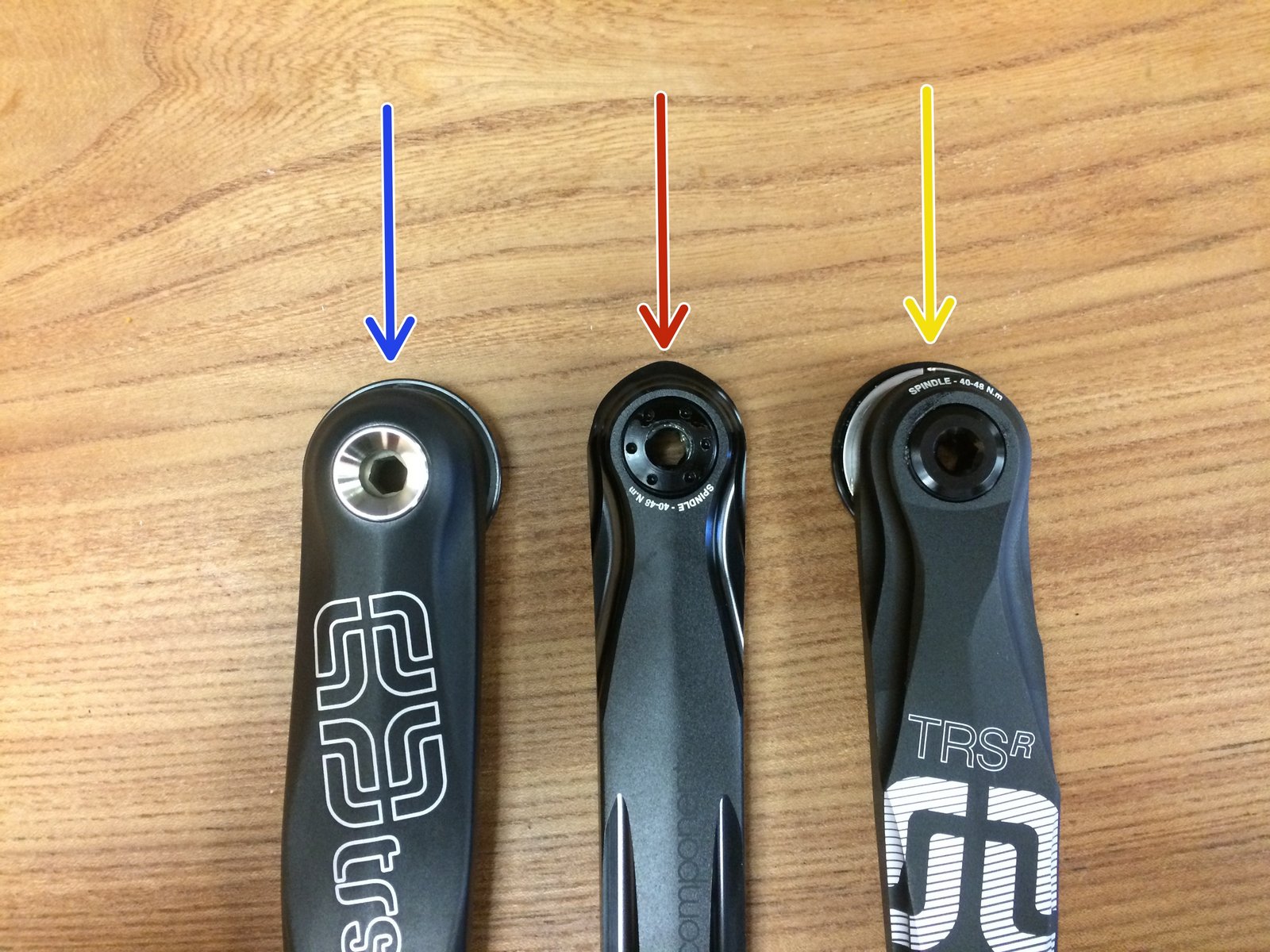
Method 1: Aluminum & Carbon Cranks (Proprietary Tool)
- Remove the fixing bolt: Use an 8mm hex wrench to unscrew the non-drive side crank fixing bolt. Ensure you also remove the bolt washer.
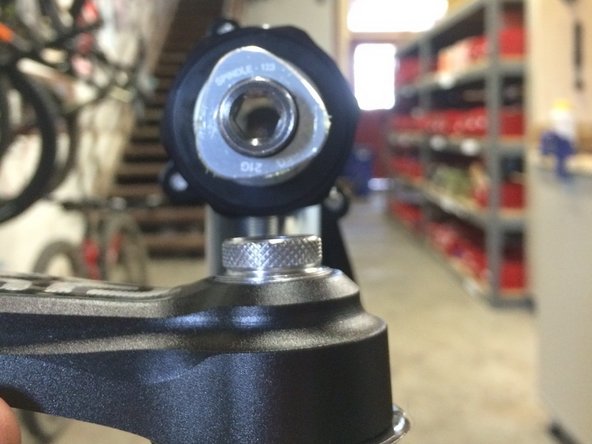
- Install the threaded barrel: Lightly grease and hand-thread the threaded barrel removal tool (included with the cranks) into the spindle. Tighten it until it is 100% inside the spindle threads; it should not stick out past the spindle face.
- Install the extractor plate: Lightly grease the threads and face of the extractor plate tool. Thread it into the crank arm and tighten with a 10mm hex wrench until snug. Do not overtighten, but ensure it is fully bottomed out.
- Extract the arm: Insert the 8mm hex wrench through the hole in the extractor plate and into the inner tool. Turn counter-clockwise. You will feel resistance as the tool hits the plate—continue turning to pull the crank arm off the spindle.
- Final removal: Remove the crank arm and then unscrew the tools from both the spindle and the arm.
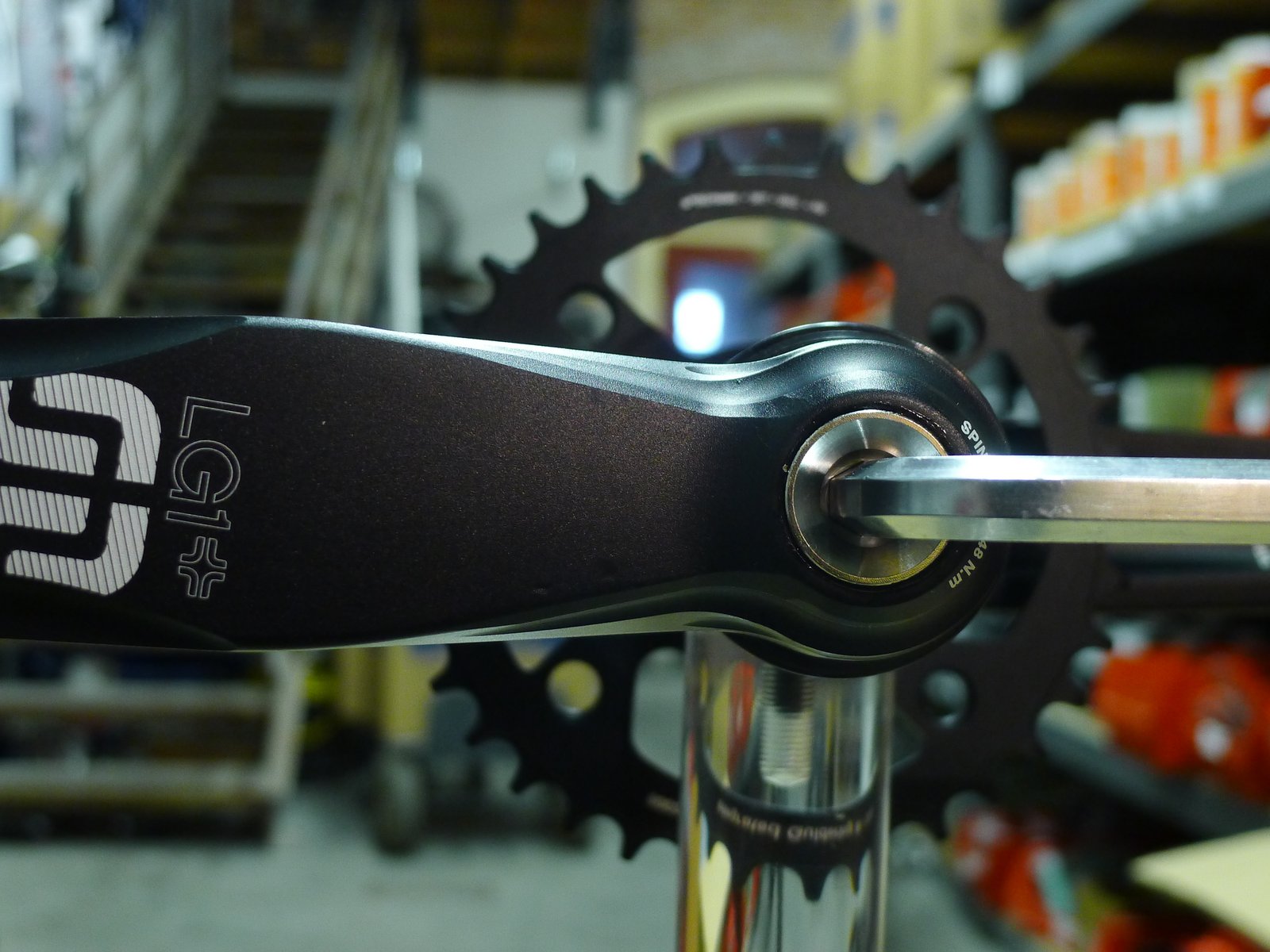
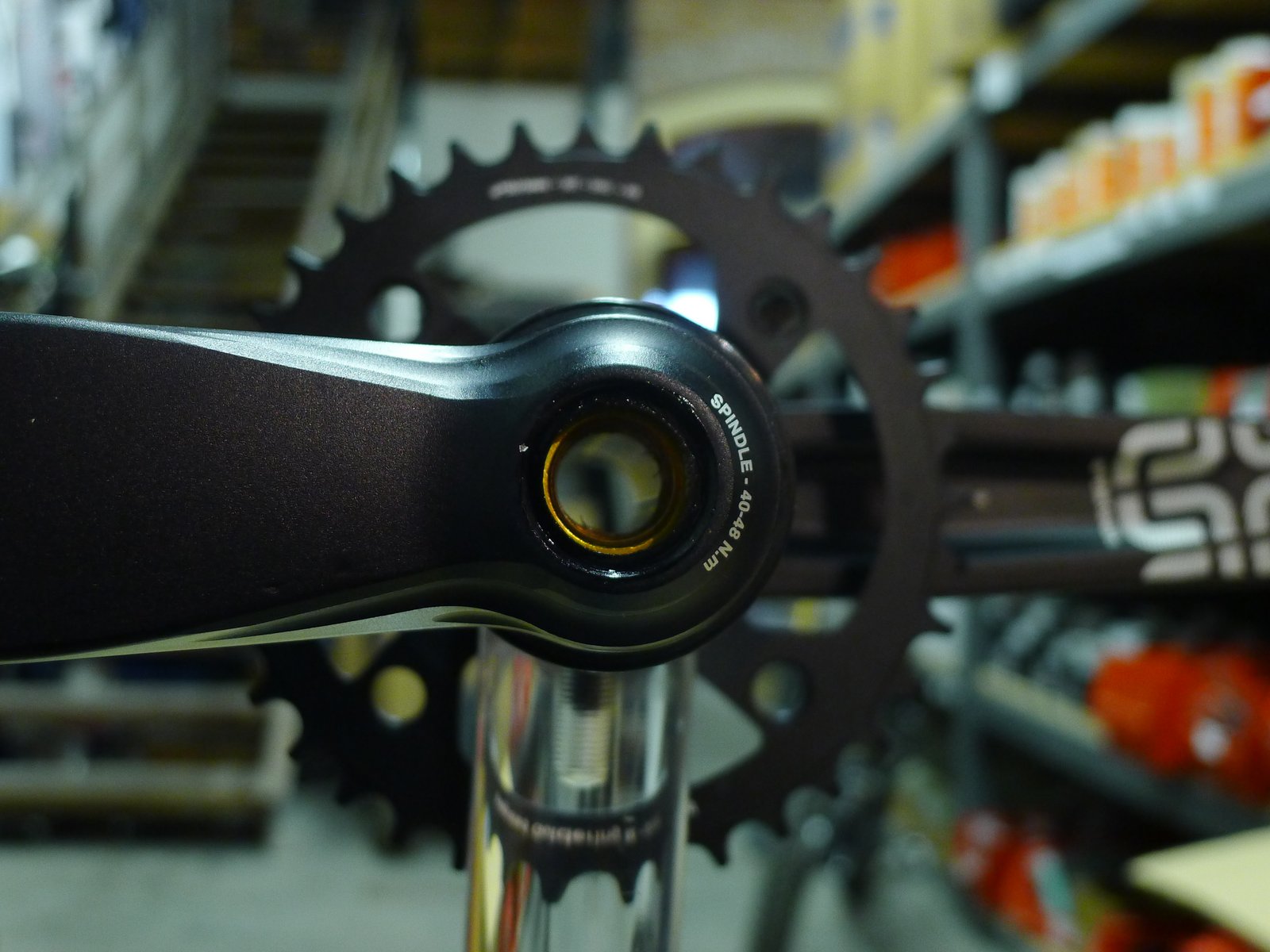

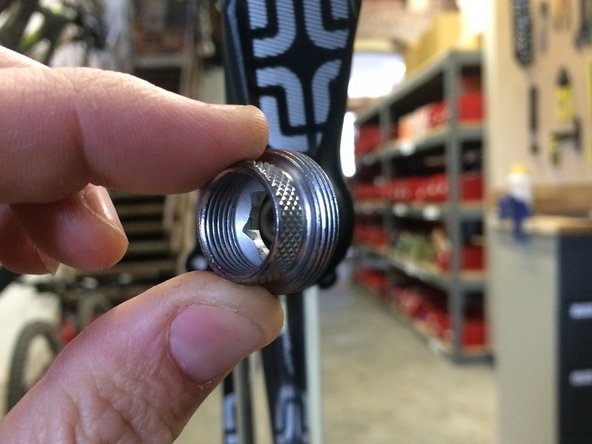
Method 2: Cranks with a Self-Extractor
- Locate the 8mm hex: These cranks have a cap with six small holes. Do not remove this cap.
- Unscrew: Insert an 8mm hex wrench into the center bolt and turn counter-clockwise. The bolt will push against the outer cap, automatically pulling the crank arm off the spindle.
Method 3: Older Aluminum TRSr Cranks (Isis/Octalink Tool)
- Remove the screw: Use an 8mm hex wrench to remove the fixing screw and washer from the non-drive side.
- Prepare the tool: If using the Hive removal tool or a Park Tool CCP-44, grease the face and threads of the tool.
- Install the puller: Thread the removal tool into the non-drive side arm until it bottoms out.
- Extract: Use the tool's handle (or a wrench) to turn the inner driver clockwise. Alternatively, if using the "pull" method tool, thread it in and pull sharply on the pedal end of the crank arm to release it.
Note: Once the non-drive arm is removed, you can remove the drive-side arm and spindle assembly by sliding it through the bottom bracket. If it is stuck, a light tap with a rubber mallet on the spindle end should release it.